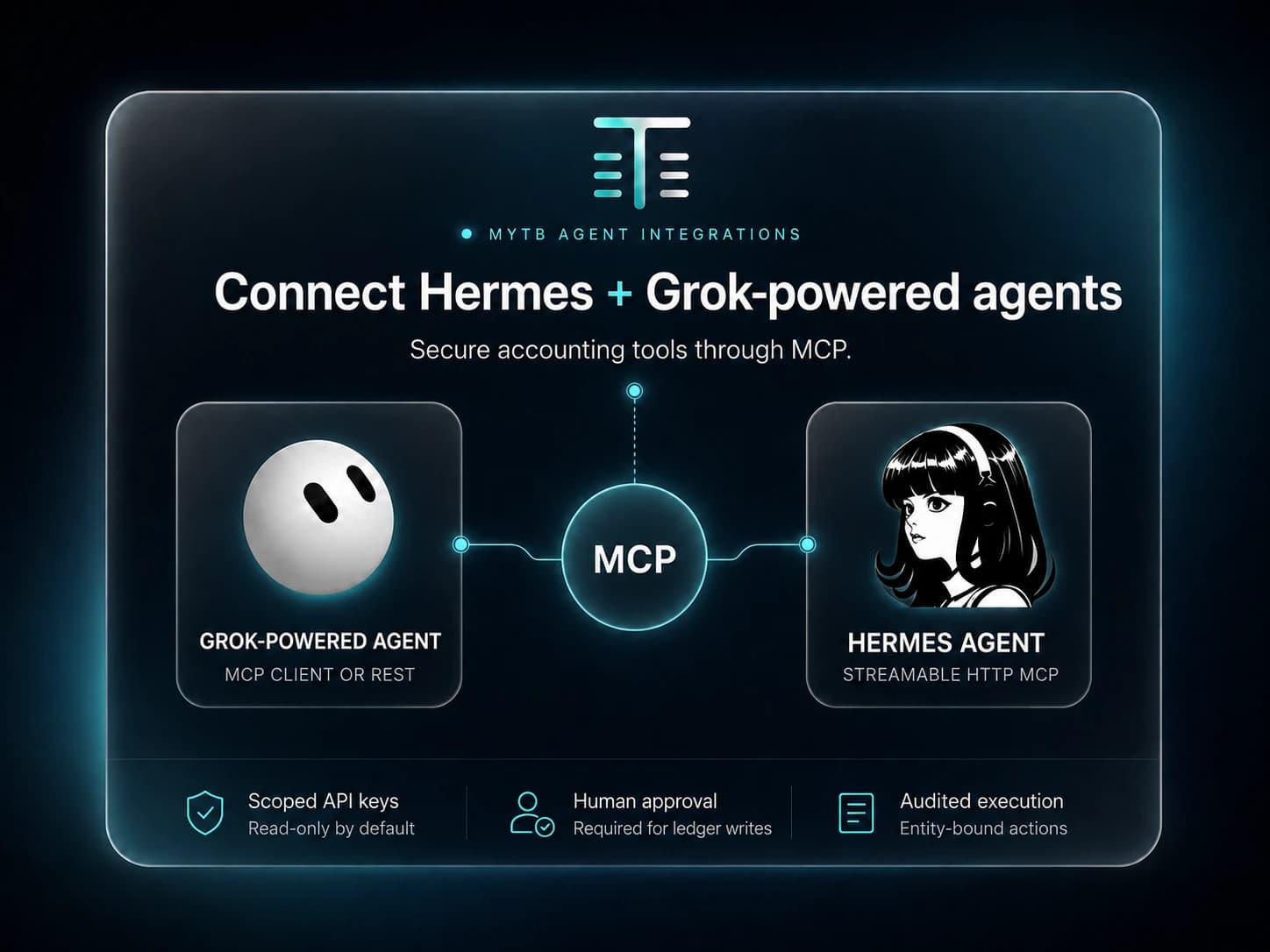
Give Hermes, Claude, or a custom Grok-powered agent a secure accounting tool layer, while your team keeps control of every ledger-changing action.
72
Accounting tools
4
Access levels
1
Human sign-off
External agent compatibility through the myTB accounting tool layer.Hermes and Claude: direct MCP. Custom Grok-powered agents: MCP client or REST fallback.
Two connection paths
Bring the agent. Keep the accounting controls.
Both paths use the same entity scope, API-key controls, tool contracts, audit trail, and human-approval boundary. The model can change without changing the books beneath it.
Verified MCP connection
Hermes Agent
Connect Hermes directly to myTB's Streamable HTTP endpoint. Hermes discovers the complete 72-tool accounting catalog and can move from document intake to close without a custom adapter.
Tested against the live myTB backend with Hermes MCP SDK 2.x.
Model-flexible connection
Grok-powered agents
Use Grok inside your own agent harness with an MCP client, or use myTB's OpenAI-compatible tool schemas and REST execution endpoint as a fallback.
Built for custom xAI workflows; no consumer Grok account connection is required.
Hermes, Grok, and xAI are third-party products. Compatibility references do not imply partnership, sponsorship, or endorsement.
Approval is part of the protocol
Autonomy where it helps. A person where it matters.
Agents can investigate and prepare work continuously. Posting, importing, closing, reversing, and voiding remain bound to a specific proposal reviewed inside myTB.
01
Inspect
Read documents, transactions, balances, reconciliation history, and close status within one entity.
02
Prepare
Draft categorizations, rules, reconciliations, journal entries, and close actions for review.
03
Approve
A signed-in reviewer sees the exact accounting action before any ledger or destructive write runs.
04
Execute
The agent retries the unchanged request with a short-lived approval ID and receives the stored result.
Scoped capability
Start read-only. Add access deliberately.
Every key belongs to one organization and begins with read access. Higher levels are cumulative, visible, revocable, and checked again when an approved action executes.
Browser sessions stay JWT-only; agent keys are rejected by account, billing, MFA, and key-management routes.
Read
Understand the books
Reports, balances, transaction queues, close status, reconciliation history
Statement imports, journal entries, posting, reconciliation, period close
Destructive
Correct with control
Reversals, voids, and equivalent actions after explicit human approval
Connect in four steps
One endpoint. One scoped key.
1Create an organization-scoped API key in Settings → API.
2Choose the entity-specific MCP endpoint shown in myTB.
3Grant only the capability level the workflow needs.
4Review ledger-changing proposals in the AI Operator sign-off queue.
Streamable HTTP MCP
Endpoint
/api/v1/orgs/{org}/entities/{entity}/ai/mcp
Bearer key
Organization-bound, expiring, and revocable.
Stateless transport
MCP discovery and calls over standard JSON responses.
Available with myTB Professional and Business plans. MCP document uploads support files up to 8 MB; larger or multi-file jobs use the authenticated bulk-upload route.
Build on controlled books
Give your agent accounting tools, not unchecked access.
Tell us which model and workflow you are building. We will help map it to the smallest useful capability set.